How to Track 2026 NYC Marathon Runners: App & Map Guide
Learn how to use the official TCS NYC Marathon app to track runners in real time, view live maps, and find the best spectator spots today.


The Ultimate Tool for the 26.2-Mile Chase
More than 50,000 runners are pounding the pavement across New York City’s five boroughs today. For spectators, the event is its own marathon. Finding one specific runner among a sea of thousands wearing identical race shirts is famously tough. Thankfully, the official 2026 TCS New York City Marathon App makes the job much easier. Whether you are cheering from the sidelines in Brooklyn or watching from a couch across the country, this tool keeps you connected to every mile.
But the app is packed with features, and navigating it in the heat of the moment can be overwhelming. Here is exactly how to use the real-time map, track your favorite runners, and optimize your spectator game plan today.
Getting Started: Download and Add Your Runners
First things first. You need to download the official TCS New York City Marathon App, which is free on both iOS and Android. Do this before you head out. Mobile networks near the course can get incredibly sluggish once the crowds gather.
Once the app is open, head to the tracking section. You can search for runners by their full name or their bib number. When you find your runner, tap the star icon next to their name to add them to your tracking list. The app allows you to track up to 20 runners at the same time. This is a lifesaver if you are keeping tabs on a group of friends, family members, or elite athletes.
How the Real-Time Map Works
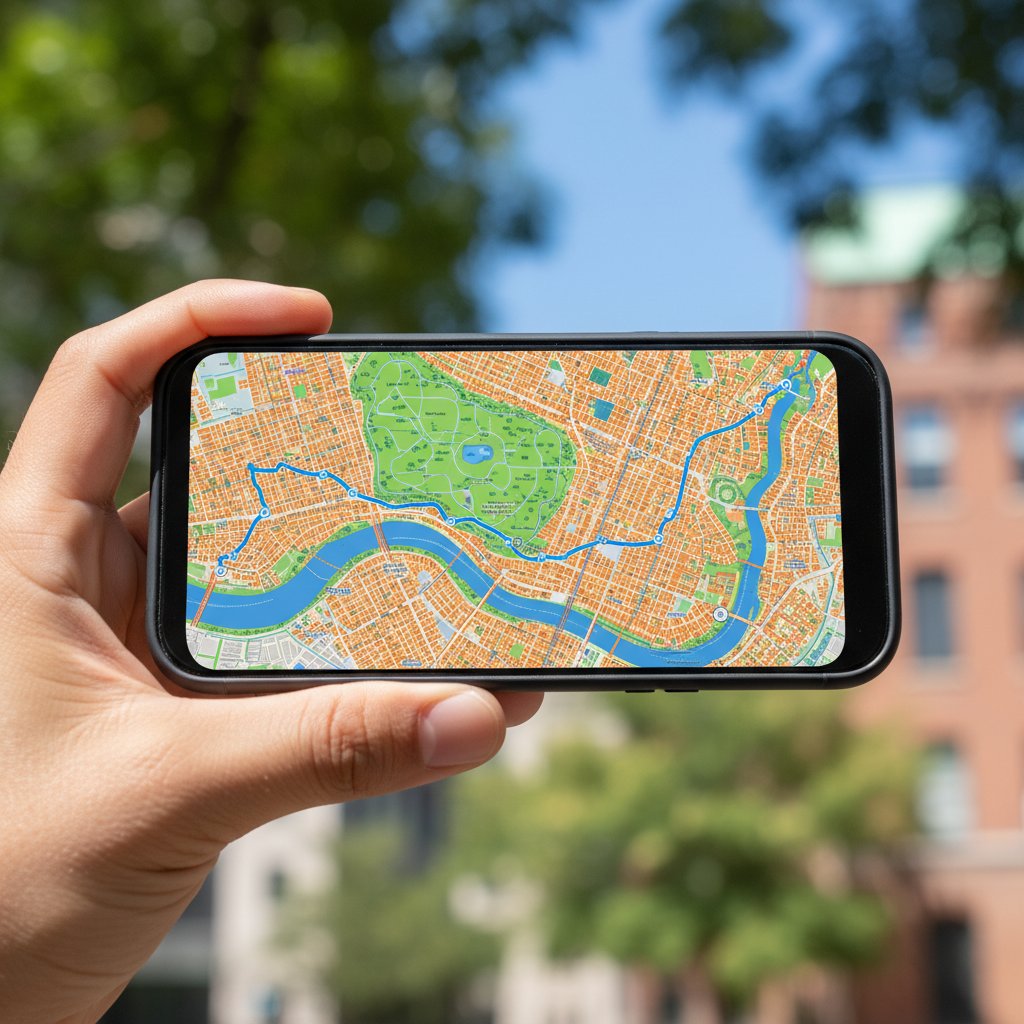
The heart of the app is the interactive course map. It shows where your tracked runners are on the 26.2-mile course. But how does it actually know where they are? It uses two main methods.
Timing Mat Calculations
As runners cross the timing mats laid out at the start, finish, and every 5 kilometers, their individual timing chips register. The app uses these precise checkpoints to calculate their average pace. It then projects their current position on the map based on that speed. While highly reliable, this is still an estimate. If your runner suddenly slows down or stops for a water break, the projected icon might get slightly ahead of their actual location.
Share Location Feature
For pinpoint accuracy, there is a better option. Runners can choose to share their actual GPS location directly through the app. To make this work, the runner must carry their phone during the race, keep their location services on, and enable the tracking feature in the app. If your runner has done this, you will see a small GPS indicator next to their name. This gives you their exact real-time location on the map, taking the guesswork out of the equation.
Get free $1000 Amazon gift crad
Planning Your Spectator Route
Chasing a runner across New York is all about timing. The app includes a spectator guide that helps you plan where to stand and when to be there. By looking at your tracked runner’s profile, you can see their estimated time of arrival (ETA) for key milestones along the course.
For example, if your runner is on track to hit the halfway point on the Pulaski Bridge at 11:15 AM, you can plan your subway trip accordingly. The app features integrated transit guides to help you navigate the city’s complex subway system, which is easily the best way to get around on race day. Driving is out of the question due to widespread road closures.
A Quick Pro-Tip for Crowded Areas
Do not expect to get a reliable cell signal at major spectator hubs like First Avenue in Manhattan or the finish line in Central Park. The sheer volume of people can easily jam local cell towers. Write down or screenshot your runner’s expected split times and ETAs before you arrive at these crowded zones. That way, you still know when to look up, even if your screen stops loading.
Sending Virtual Support with Cheer Cards
You do not have to be standing on the curb to show your support. The app features a popular tool called “Cheer Cards.” This allows you to submit digital messages, photos, or short videos to encourage your runners. Some of these digital cheers are displayed on massive screens along the course, particularly around the 11-mile mark in Brooklyn and near the finish line. Additionally, if your runner is wearing an Apple Watch or carrying their phone, they can receive these notifications directly as they run.
Key Spots to Catch the Action
If you are still deciding where to watch, the app’s interactive map highlights the official spectator zones. Here are a few top spots to consider:
- Fourth Avenue, Brooklyn (Miles 2-4): This early stretch is wide, loud, and offers plenty of space to find a viewing spot. Runners are still fresh and full of energy here.
- First Avenue, Manhattan (Miles 16-18): Known for its wall of sound. The atmosphere here is electric as runners exit the Queensboro Bridge, but the crowds are deep.
- Fifth Avenue and Central Park (Miles 23-26): This is where the race is won or lost. The energy is intense, but you will need to arrive very early to secure a spot near the barricades.
By mastering the app’s features and keeping a close eye on those timing mats, you can make sure you never miss a single stride of today’s race. Keep your phone charged, wear comfortable shoes, and enjoy the energy of one of the world’s greatest sporting events.