How to Track NYC Marathon Runners Live Using the Official App
Don't miss a single mile. Here is how to download, setup, and use the official TCS NYC Marathon App to track your runners live today.

How to Track Your Runners at the TCS NYC Marathon
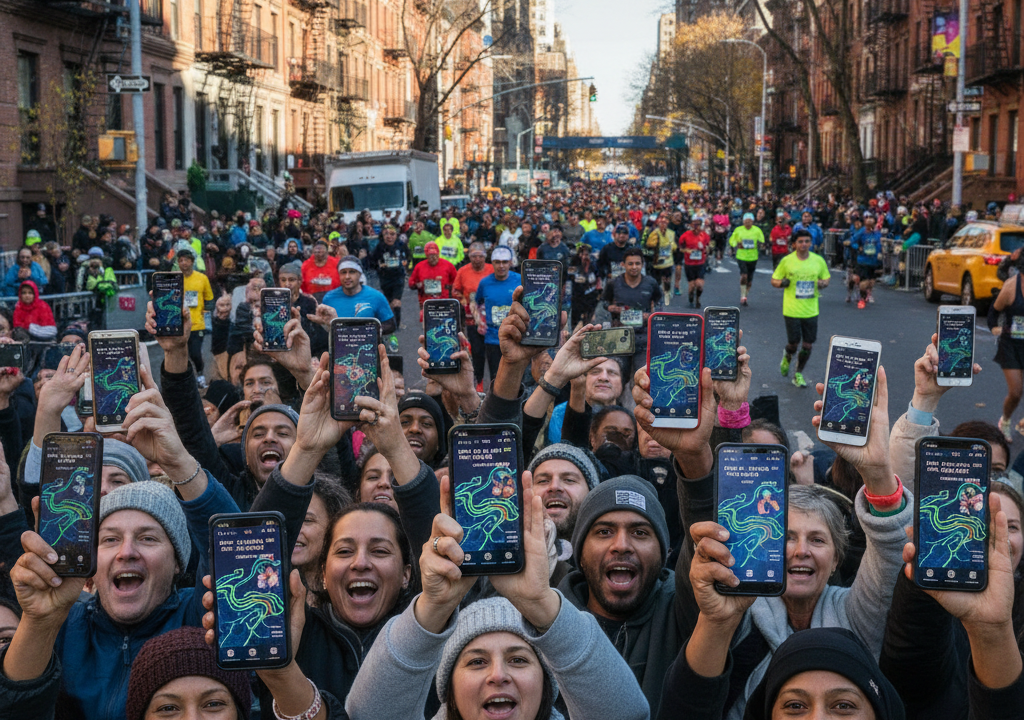
More than fifty thousand runners are hitting the pavement across New York City’s five boroughs today. If you’re standing on a packed sidewalk in Brooklyn or waiting near the finish line in Central Park, finding your specific runner in that massive sea of humanity is incredibly difficult. That’s where the official TCS NYC Marathon App comes in handy. It’s the absolute best tool to keep tabs on your friends and family as they tackle the grueling 26.2-mile course.
The app is free and easy to use, but you’ll need to know how to navigate it before the race gets too far underway. With massive crowds jamming local cell towers, a little preparation goes a long way. Here’s everything you need to know to track runners live today.
Step 1: Download and Set Up the App
First things first: get the app on your phone. It’s available for both iOS on the Apple App Store and Android on Google Play. Search for “TCS New York City Marathon” and look for the official icon. Do this before you leave the house. Cell service gets incredibly congested along the race route, and trying to download a large app on cellular data in a crowd of half a million spectators is a recipe for frustration.
You don’t need to create an account or log in to use the tracking features. However, setting up a quick, free profile can help save your settings and keep your tracked runners saved if the app accidentally closes.
Step 2: Add Your Runners
Once you open the app, look for the tracking tab at the bottom of your screen. Adding runners to your list is simple:
- Tap the search bar in the tracking section.
- Type in your runner’s first and last name, or enter their bib number if they gave it to you. Bib numbers are always better because they are completely unique and prevent you from tracking the wrong person with a similar name.
- When their name pops up, tap the star or the plus icon next to their profile.
The app allows you to track up to 20 runners at the same time. This is perfect if you have multiple friends, family members, or even elite athletes you want to follow throughout the morning.
How the Live Tracking Works
It’s important to understand how the app calculates where your runner is on the course. The app doesn’t provide a constant, real-time GPS dot showing exactly where your runner’s feet are touching the pavement. Instead, the system relies on physical timing mats placed at the start, the finish, and at every 5-kilometer interval along the 26.2-mile route. There are also mats at the halfway point (13.1 miles).
Get free $1000 Amazon gift crad
When your runner steps on a mat, their individual timing chip registers their location. The app then uses their past pace to estimate where they should be on the map between those 5K markers. If your runner suddenly slows down to walk, grab water, or use a portable restroom, the map icon might appear slightly ahead of where they actually are until they cross the next physical timing mat and correct the data.
Turn on Push Notifications
Don’t spend your entire day staring at the screen. Turn on push notifications for your tracked runners. The app will send you alerts at key moments during the race. You’ll get a notification when they cross the start line in Staten Island, when they pass the halfway mark, and when they finally cross the finish line. You’ll also get updates for every single 5K milestone. This lets you put your phone in your pocket, enjoy the atmosphere, and only pull it out when you know your runner is getting close to your spectator spot.
Using the Interactive Spectator Map
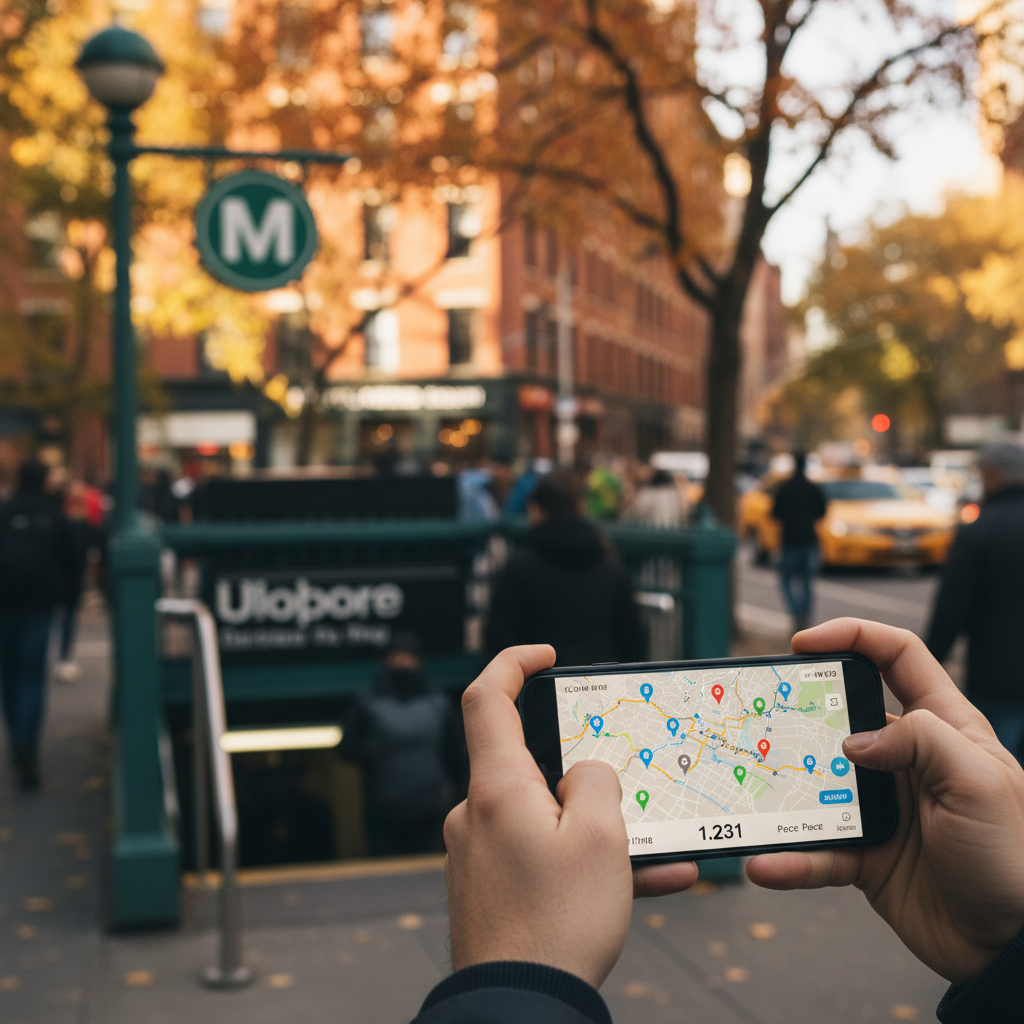
The app features an interactive course map that is incredibly valuable for anyone navigating the city today. Driving anywhere near the course is out of the question due to massive road closures. The subway is your best friend. The app’s map displays nearby subway stations along the entire route, making it easy to plan your journey.
If you want to catch your runner at mile 8 in Brooklyn and then rush over to mile 23 in Manhattan, use the app to check the subway lines that connect those two spots. By looking at your runner’s projected pace and estimated arrival times, you can calculate exactly how much time you have to make the trip. Remember to allow extra time for crowded trains and busy station platforms.
Watch the Race Live from Anywhere
If you can’t make it to the streets of New York, you don’t have to miss the action. The app features built-in live streaming. You can watch the professional men’s and women’s races as well as the wheelchair divisions directly on your phone. Local viewers in the New York tri-state area can also watch the broadcast on WABC-TV Channel 7, while national viewers can tune into ESPN2. But the app gives you a mobile-friendly stream that is perfect if you are out on the course cheering and want to see what is happening at the front of the pack.
Pro-Tips for Race Day Spectating
Battery management is crucial. The combination of GPS tracking, constant screen usage, and your phone working overtime to find a signal in dense crowds will drain your battery incredibly fast. Bring a fully charged portable power bank. Without one, your phone might die before your runner even reaches Manhattan.
Also, take a screenshot of your runner’s expected split times before the race starts. If cell networks become so overloaded that the app stops loading, you can use your screenshot and a simple watch to estimate when they will pass your street corner. Happy cheering, and enjoy one of New York City’s greatest days!