How to Track NYC Marathon Runners: Live App Setup Guide
Planning to cheer at the NYC Marathon? Here is how to use the official app to track your runners in real-time and coordinate the perfect meetup.

Navigating the Five Boroughs on Marathon Sunday
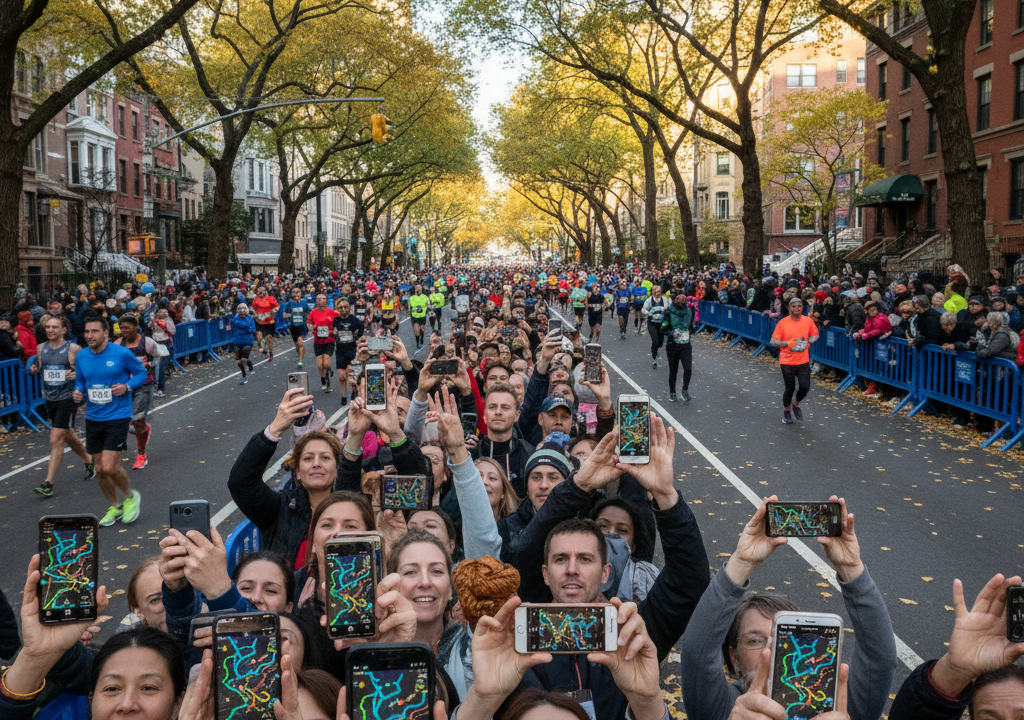
The energy of the New York City Marathon is hard to match. More than 50,000 runners wind their way through the five boroughs, cheered on by over a million spectators lining the streets. It is a spectacular celebration of human endurance. But for spectators, it is also a logistical puzzle. Trying to spot one specific face in a moving sea of thousands of athletes is notoriously difficult.
If you are heading out to cheer, you cannot just stand on the curb and hope for the best. You need a solid strategy. Fortunately, the official TCS New York City Marathon app has received major updates designed to take the guesswork out of spectating. With new live-map features and enhanced spectator-sharing tools, keeping tabs on your favorite runners has never been easier.
How to Download and Set Up the App
First things first. You need to get the app on your device. It is completely free and available for both iOS and Android users in their respective app stores. Search for “TCS NYC Marathon” and download it well before you head out the door on Sunday morning. Cell service along the course can get incredibly congested, so downloading the app at home over Wi-Fi is a smart move.
Once the app is open, you can start adding runners to your tracking list. Here is how to do it:
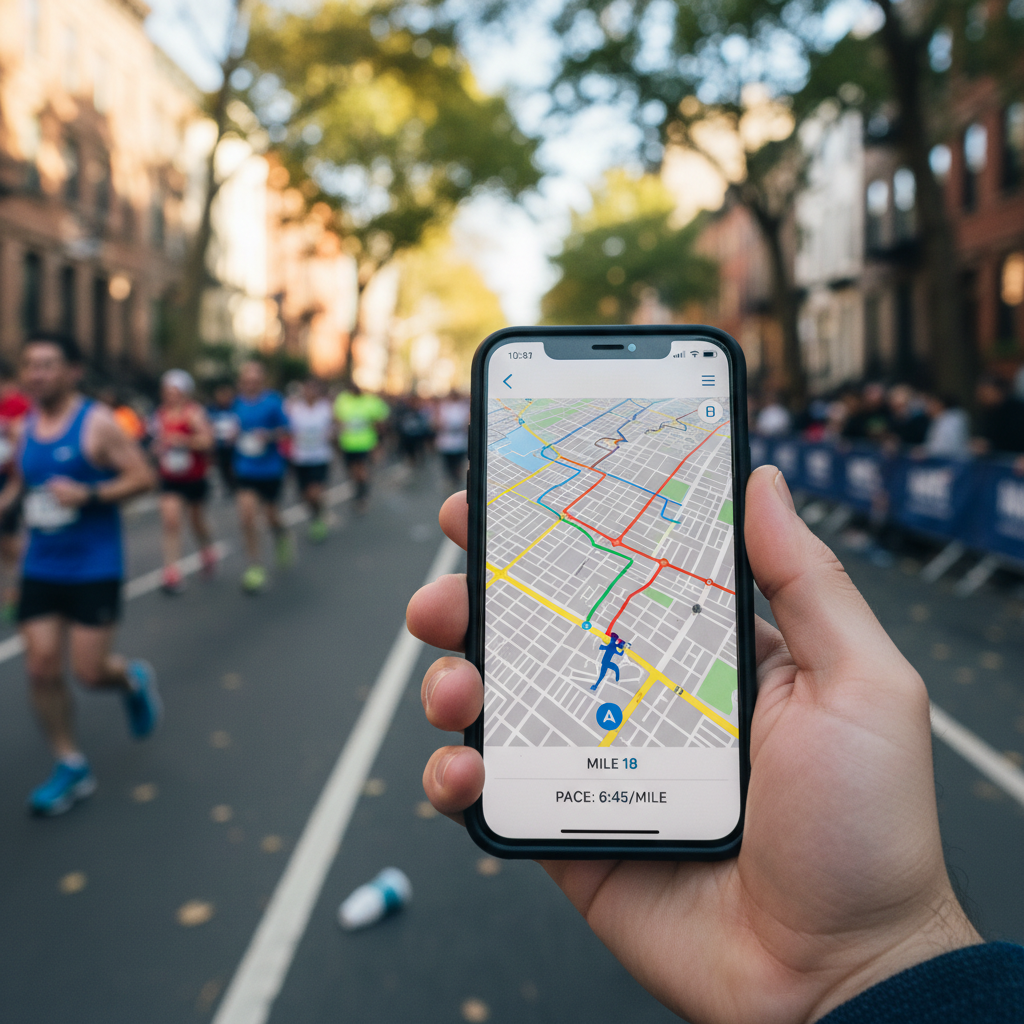
- Tap the tracking icon on the main menu.
- Enter your runner’s name or their specific bib number.
- Click the ‘+’ icon next to their name to add them to your tracking list.
- You can track up to 20 runners at the same time, making it easy to follow friends, family, and elite athletes simultaneously.
The New Spectator-Sharing Feature
In previous years, the app relied purely on timing mats placed at five-kilometer intervals along the 26.2-mile course. The app would calculate the runner’s average pace and estimate where they should be between those mats. While helpful, it was not always accurate. If a runner slowed down, stopped at a medical tent, or picked up the pace, the app’s estimate would be off.
To fix this, the latest version of the app features an opt-in spectator-sharing tool. If your runner carries their phone during the race, they can choose to share their actual, live GPS location with you through the app. This provides real-time positioning on the digital map, closing the gap between the physical timing mats. It is a massive upgrade for anyone trying to coordinate a quick high-five or hand off a fresh water bottle.
Get free $1000 Amazon gift crad
Mastering the Interactive Live Map
The core of your spectating strategy should revolve around the interactive live map. The 2026 update integrates several layers of helpful information to help you navigate the city while keeping an eye on the race.
When you open the map, you will see your tracked runners moving along the course in real-time. But the map also displays critical points of interest. You can toggle icons to show nearby subway stations, medical tents, family reunion zones, and official spectator viewing areas. If you are trying to hop from Brooklyn to Manhattan to see your runner twice, the map’s transit indicators will show you exactly which subway lines are closest to your current spot and your next destination.
How to Beat Cell Service Congestion
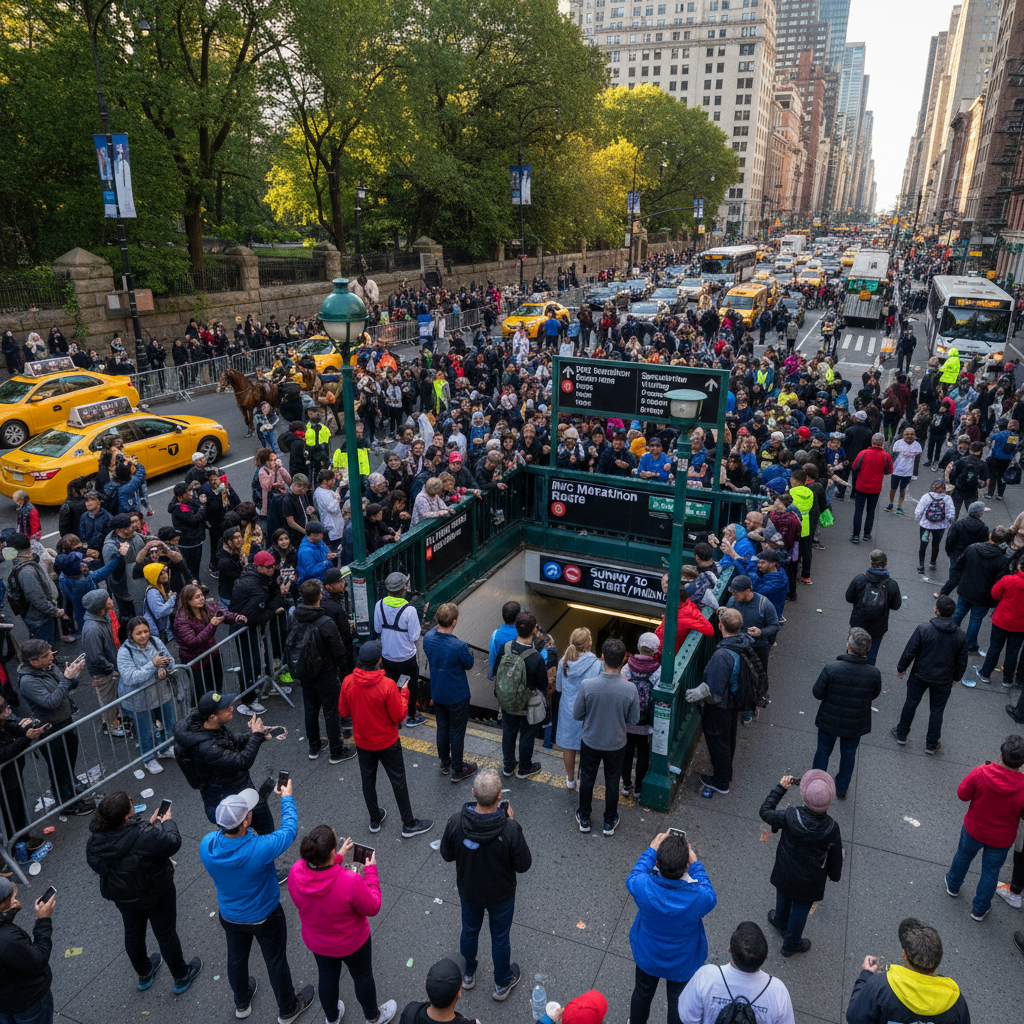
With massive crowds packed into tight city streets, local cell towers often struggle to handle the high volume of data. You might experience slow loading times or dropped connections, especially in high-density areas like First Avenue in Manhattan or the final stretch in Central Park. Do not panic. You can keep things running smoothly by following a few simple steps.
First, turn off background app refresh for other apps on your phone to save data. Second, rely on the push notifications within the marathon app. Even if the live map takes a moment to load, push notifications for key milestones like the 10K, half-marathon, and 20-mile marks usually slip through the network congestion much faster. Make sure you enable notifications for the app in your phone’s system settings before the race begins.
Coordinate Your Meetup Spot Early
The finish line area in Central Park is beautiful, but it is also a logistical bottleneck. Thousands of runners finish within hours of each other, and reunited families quickly crowd the designated meeting zones. Do not try to wing it.
Use the app to look at the Family Reunion Area map ahead of time. Pick a specific letter or landmark to meet at, and agree on it before your runner heads to the starting line on Staten Island. Remember, your runner will be exhausted, cold, and probably not thinking clearly. Having a pre-arranged plan, combined with real-time tracking, ensures everyone gets home safely and celebrates a successful race day.